
Welcome back to Housebuild PM! Having successfully navigated the sign-up process, this guide will now delve into mastering the platform’s powerful features and optimizing your workflow to achieve unparalleled efficiency and transparency in your construction projects. Whether you are managing a few local renovations or overseeing multiple large-scale builds, Housebuild PM is a construction project management software for builders designed to streamline your operations and ensure you get paid faster.
Mastering the Platform: Key Features
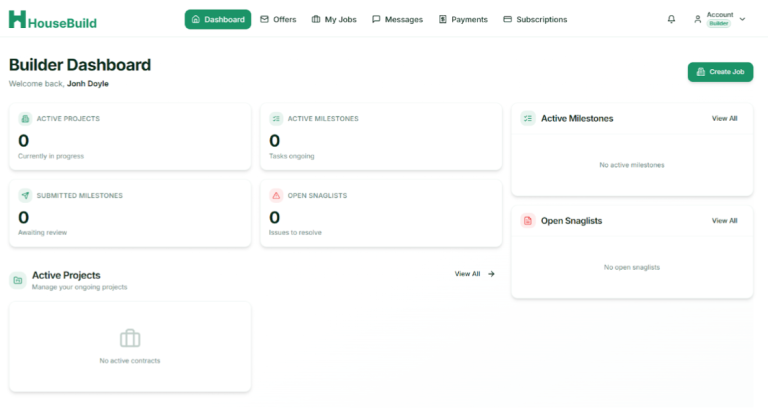
Once you have completed your registration, you will land on your Dashboard. This is your mission control for every project, providing an at-a-glance overview of your business’s current status.
Understanding Your Dashboard
The dashboard presents key metrics including the number of active projects, pending milestones, submitted milestones awaiting approval, and open snaglists. This view enables you to quickly assess your workload and identify any areas requiring immediate attention. The dashboard also displays recent activity and upcoming deadlines, ensuring you never miss a critical milestone or client communication.
My Jobs: Managing Your Projects
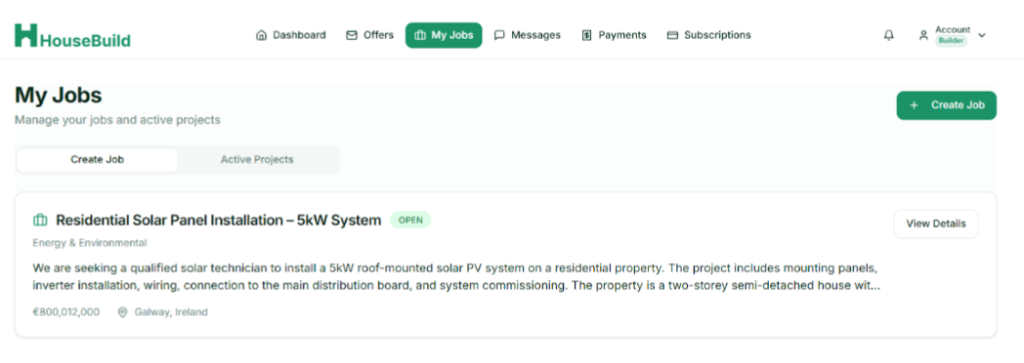
The My Jobs tab serves as the central hub within Housebuild PM, giving builders the tools expected from modern construction project management software. From this interface, users can initiate new projects by selecting Create a New Job, where they define the project’s scope, budget, and geographical location, users can Set Milestones, segmenting projects into distinct, manageable phases, thereby ensuring all stakeholders are cognizant of impending tasks and deadlines. Furthermore, the platform facilitates seamless Progress Tracking, allowing projects to transition from an “Open” to a “Completed” status upon the achievement of defined targets.
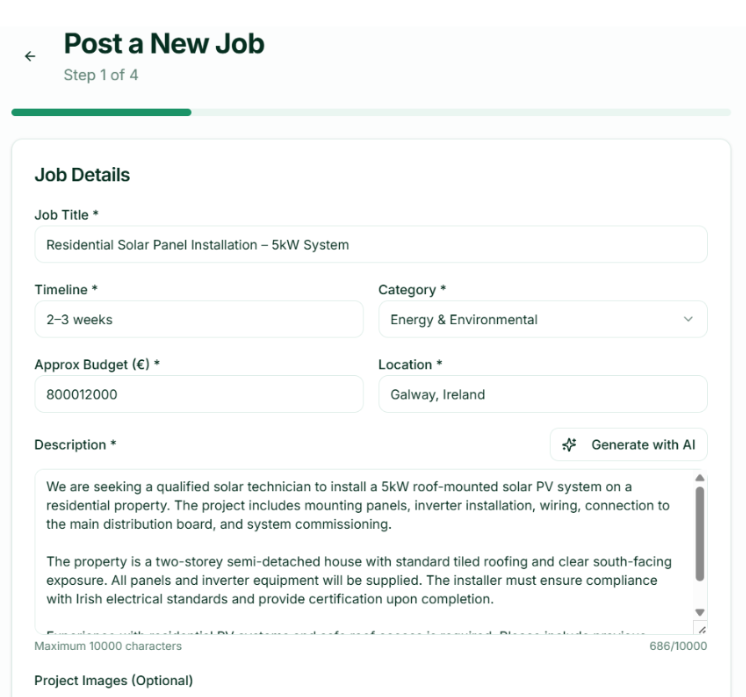
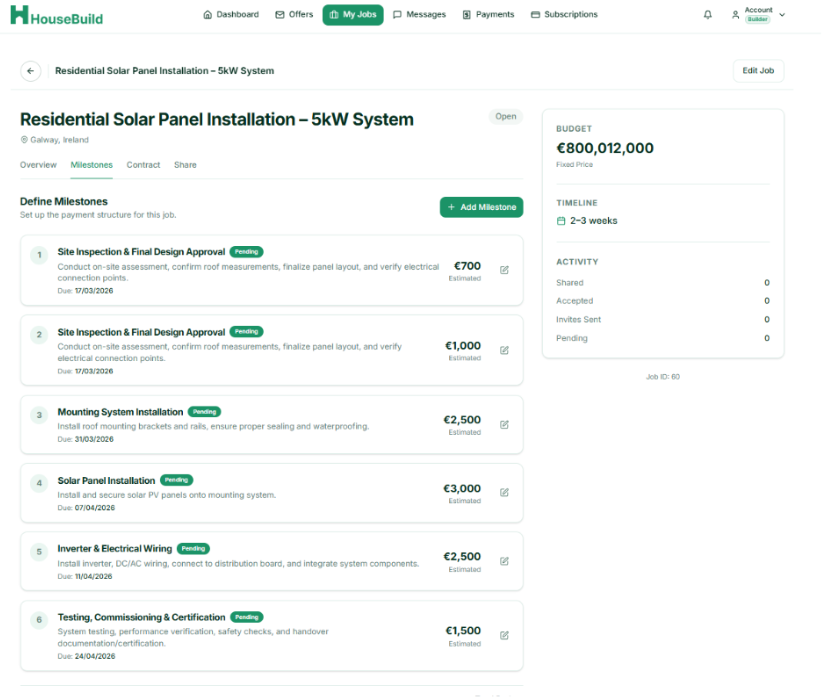
Milestones are the backbone of effective project management in Housebuild PM. By breaking your project into clear phases with associated deadlines and payment amounts, you create a transparent roadmap for both your team and your clients. This clarity reduces misunderstandings and accelerates project completion.
Messages: Communication and Transparency
Housebuild PM significantly enhances communication and fosters transparency throughout the project lifecycle. The integrated Direct Messaging feature centralizes all project-related conversations within a single, searchable hub, thereby eliminating the fragmentation often associated with external communication channels like WhatsApp.
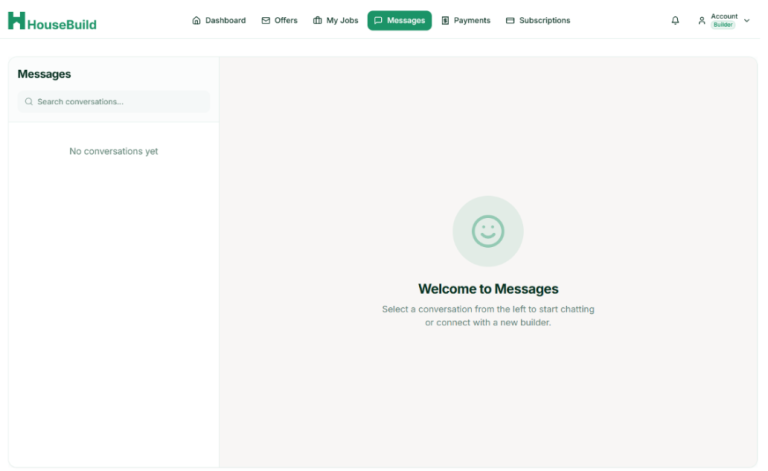
Additionally, the platform’s Snaglists functionality empowers users to promptly identify and resolve issues. This is achieved by enabling the logging of snags with accompanying photographic evidence, ensuring that project teams are precisely informed of required rectifications and clients can monitor resolutions in real-time.
The messaging feature is searchable, meaning you can easily locate past conversations without scrolling through endless threads. This is invaluable when you need to reference a decision made weeks or months earlier. All messages are stored within the project context, so there is no confusion about which project a particular discussion relates to.
Snaglists transform the way issues are managed on construction projects. Rather than relying on memory or informal notes, every snag is logged with photographic evidence. This creates an objective record of what needs to be fixed and provides visual proof once the work is completed. Clients appreciate this transparency, as it demonstrates your commitment to quality and accountability.
Payments: Getting Paid Faster
Addressing a perennial challenge within the construction industry, HousebuildPM is engineered to expedite the payment process. The platform facilitates Automated Invoicing, enabling the generation of professional invoices directly linked to the completion of predefined project milestones. Moreover, the Payments tab provides a comprehensive Transaction History, offering a transparent and meticulously maintained record of all earnings and outstanding payments.
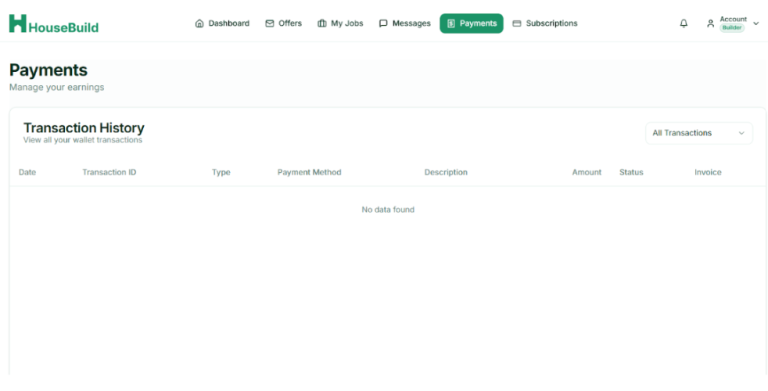
The automated invoicing feature is a game-changer for construction professionals. Rather than manually creating invoices at the end of a project, you can generate invoices automatically as each milestone is completed and approved. This accelerates cash flow and reduces administrative burden. The invoices are professional and can be customized to include your branding and specific terms.
The transaction history provides complete visibility into your earnings. You can see which invoices have been paid, which are pending, and which are overdue. This information is crucial for cash flow management and helps you identify any payment issues that need to be addressed with clients.
Additional Features
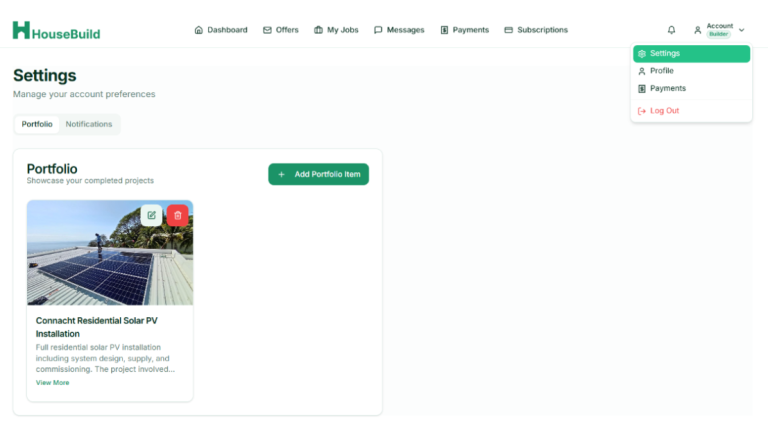
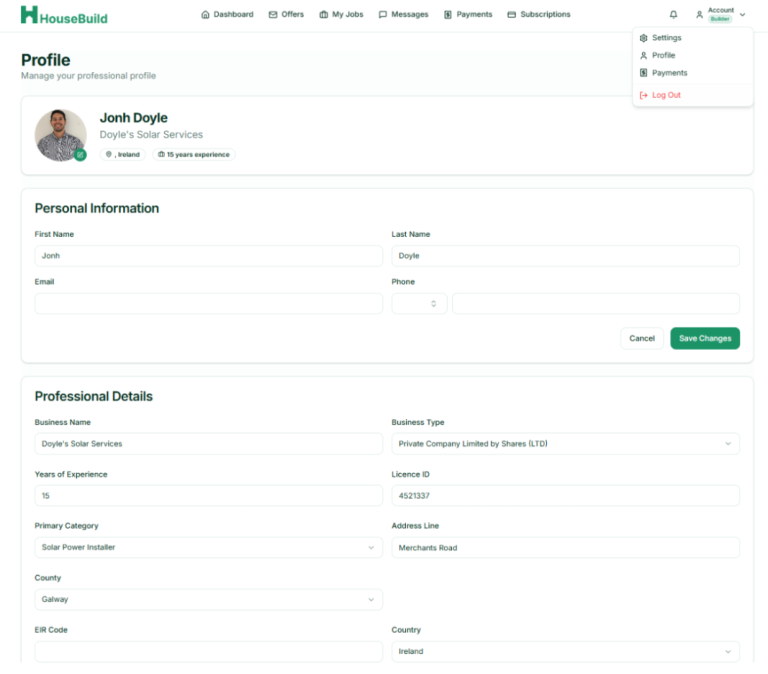
Beyond the core features discussed above, Housebuild PM offers several additional capabilities that enhance your ability to manage projects effectively. The Offers tab allows you to review and respond to contract offers from clients, providing a centralized location for business development. The Subscriptions tab enables you to manage your plan details and upgrade as your business grows. The Settings and Profile sections allow you to maintain your professional information, ensuring your profile remains current and accurate.
Settings:
Best Practices for Success
To maximize your experience with HousebuildPM, consider the following best practices:
Maintain Accurate Profiles: Keep your professional information current and your portfolio updated with recent projects. This enhances your credibility with potential clients and increases the likelihood of receiving relevant inquiries.
Use Milestones Strategically: Break your projects into meaningful phases with clear deliverables and associated payment amounts. This provides structure and helps manage client expectations.
Communicate Proactively: Use the direct messaging feature to keep clients informed of progress. Regular communication builds trust and reduces the likelihood of disputes or misunderstandings.
Document Everything: Log all snags with photographic evidence and maintain detailed records of all communications. This creates an objective record that protects both you and your clients.
Monitor Your Payments: Regularly review your transaction history to ensure all invoices have been paid. Follow up promptly on any overdue payments to maintain healthy cash flow.
Ready to Transform Your Construction Business?
HousebuildPM transcends the definition of a mere tool; it represents a strategic approach to cultivating stronger client relationships and instilling greater efficiency within your operational workflows. By embracing HousebuildPM, you are not only streamlining your project management but also investing in a future where construction projects are executed with unparalleled clarity and speed.
The platform’s comprehensive feature set, combined with its intuitive interface and flexible pricing, makes it an ideal solution for construction professionals at every level. Whether you are managing your first project or overseeing a portfolio of dozens of concurrent builds, Housebuild PM provides the tools you need to succeed.
Start your first job today and experience the future of construction project management.
About This Guide: This comprehensive guide was created to help new and existing Housebuild PM users understand the platform’s capabilities and maximize their use of its features. For additional support, please visit the Housebuild PM website or contact our customer support team.